FleetOps

How to play · Guide 01

Mission
types

In FleetOps, you command fleets with your own plans and accept contracts from faction agents. Learn each type and how they fit together.

Overview

Two paths, one goal

Fleet missions are the plan you build. Agent contracts are faction offers — you accept, run them with the right fleet, and deliver the result at the agent's station.

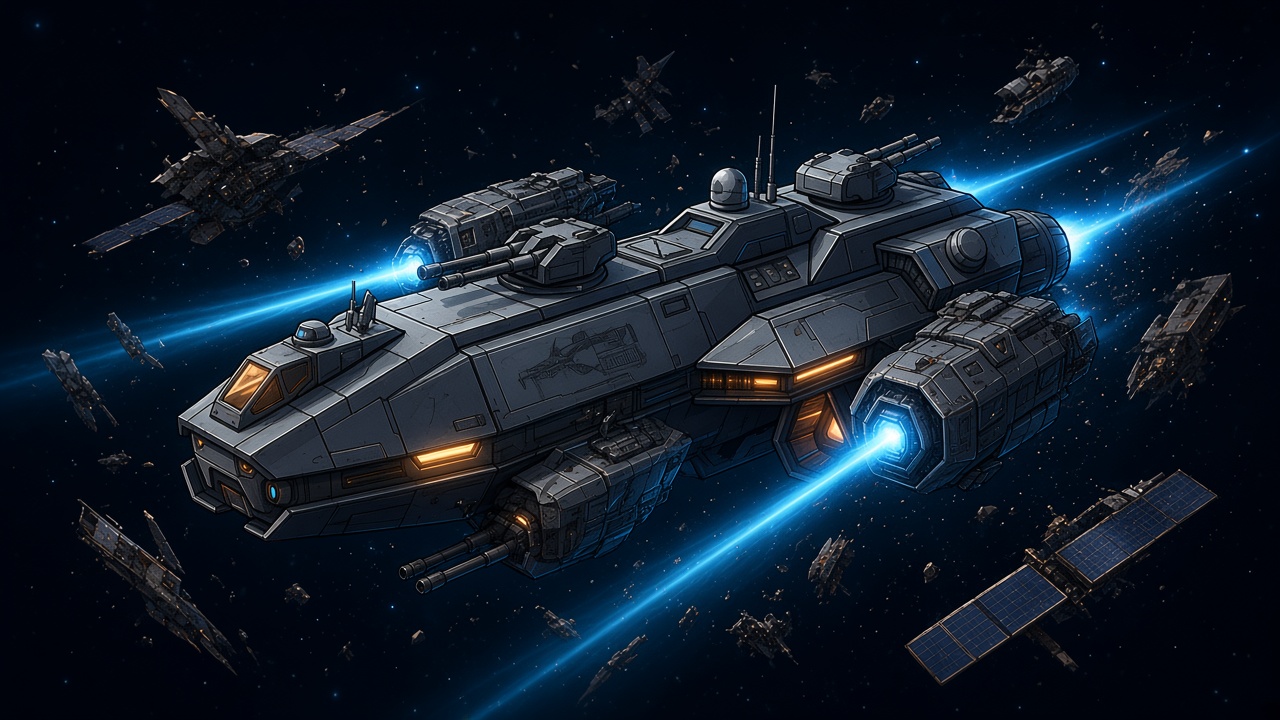
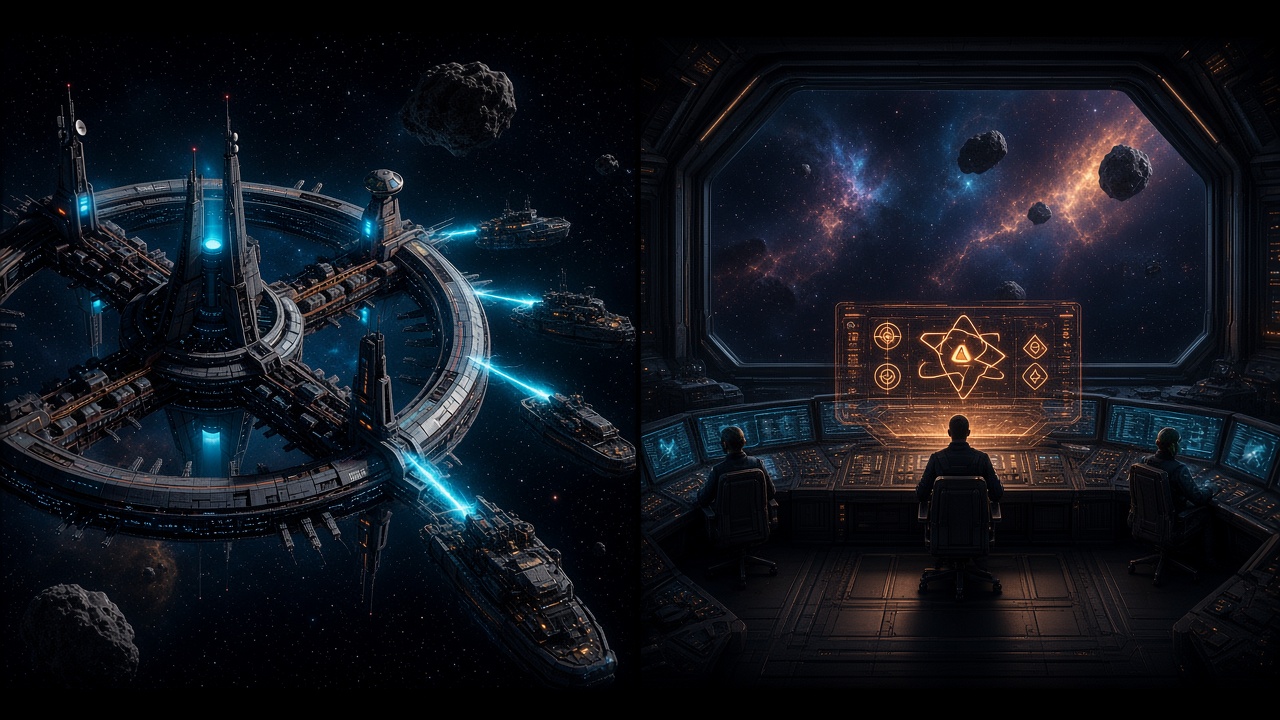
Fleet in operation beside a faction agent offering contracts

Fleet missions

Plan the queue

On the fleet screen, choose the type (mining, patrol, transport, Salvage…) and build the steps: move, mine, patrol, unload, dock. The fleet runs the queue on its own while you manage the rest of the operation.

  • → Up to 6 steps (more with premium / skill)
  • → Serves your own economy and contracts
  • → Includes escort and corporation action
Agent contracts

Accept the offer

In the Contracts hub, visit agents at stations. Each one offers up to three deals. Accept, run the matching fleet mission, and when the contract is ready, deliver at the origin station.

  • → Credits, skill points, and reputation
  • → Up to 3 active contracts
  • → Daily limit on the free plan

Fleet

Missions you plan

Each type has a typical step flow. Adjust origin, destination, and duration to match the route and system risk.

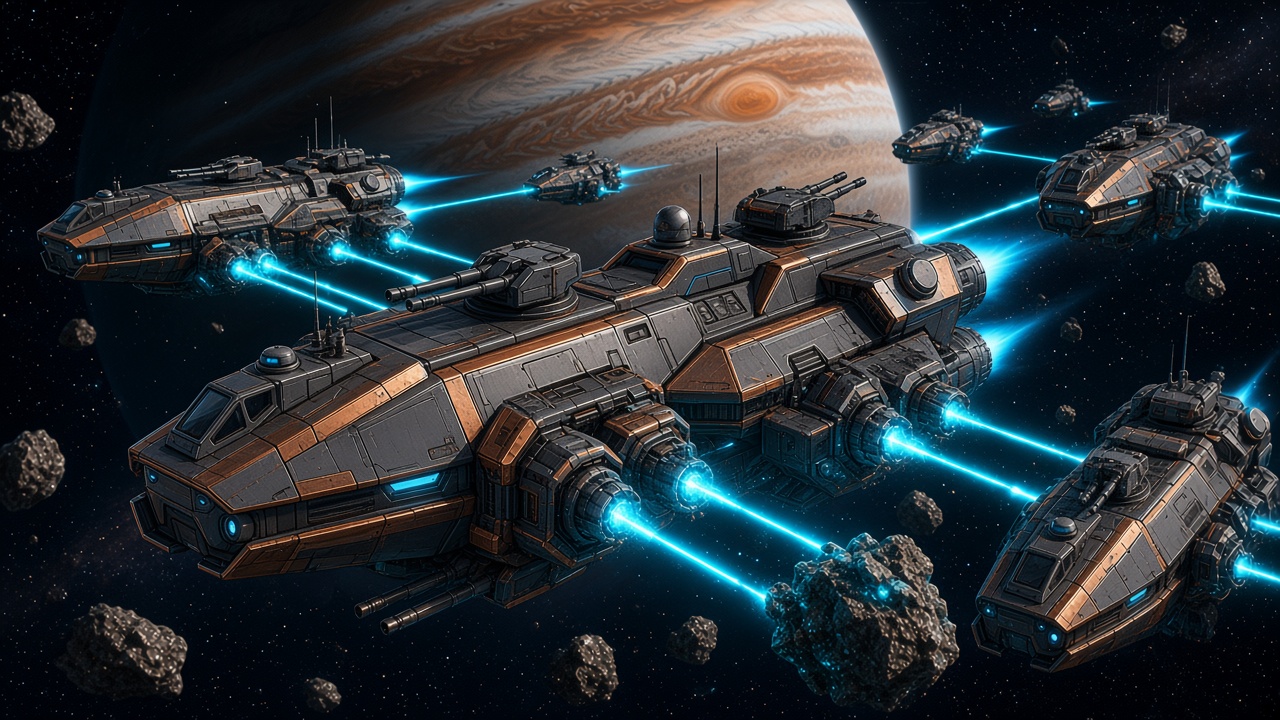
Fleet mining in an asteroid belt

01

Mining

Extract ore in belts and bring the freighter back to the station. It is the most direct path to feed the economy and complete mining contracts.

Typical steps

Move → Mine → Unload → Dock

Needs mining modules and cargo space. On contracts, progress counts the volume (m³) of the requested ore in the target system.

Patrol ships at a star gate

02

Patrol

Hold a system for minutes or clear a gate route. While the fleet patrols, PvE encounters (and PvP risk in low-sec) can happen — and patrol contracts advance with time or fights.

Typical steps

Move → Patrol (N min) → Dock

Hold system: stay on target for the contract time (5–60 min).

Clear gates: traverse the route and clear hostiles at each gate entry.

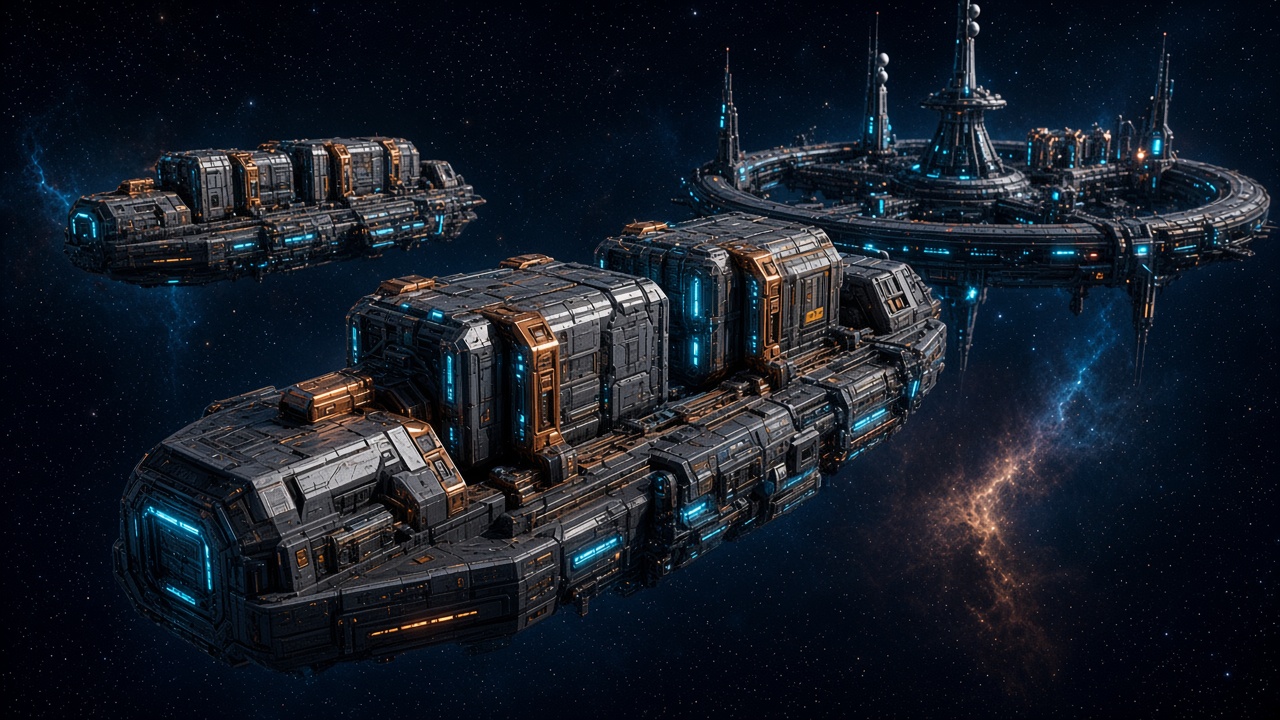
Freighter convoy between orbital stations

03

Transport

Load at origin, travel, and unload at destination. Works both to move your own cargo and to deliver contract crates — with a chance of pirates per hop on dangerous routes.

Typical steps

Move → Load → Move → Unload → Dock

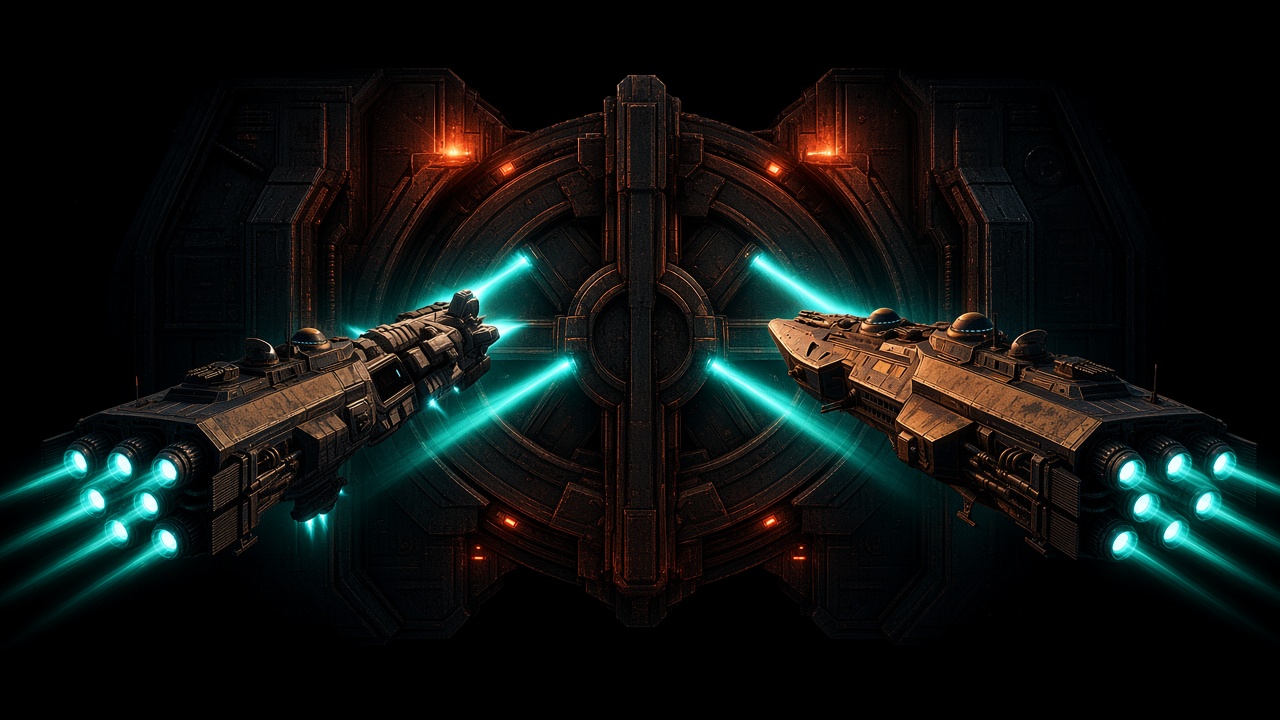
Salvage ship sweeping wreckage with scanners

04

Salvage

Scan wrecks and debris fields. Each scan round (1 to 5) fills cargo with loot — or, on contracts, searches for the hidden crate in the system. The more failures, the higher the chance on the next attempt.

Typical steps

Move → Scan (1–5) → Unload → Dock

Requires at least one scan system module on board.

05

Escort

Join a corporation action and follow the flagship. It does not pay a bank reward on its own: the value is supporting the blockade and protecting the corp operation.

06

Corp action

Reserved for the Fleet Commander. Today the available type is gate blockade in systems with security ≤ 0.0: gather → blockade gates (up to 6 h total) → disperse. Allies join as escort.

Agents

Faction contracts

The same types (plus one more) appear as deals. Fleet progress feeds the contract automatically; final delivery is at the agent's station.

Mining

Mine X m³ of ore Y in the system N jumps from the agent. Deliver when the goal is met.

Patrol

Hold the system, clear the gate route, or eliminate hostiles — depending on the deal mode.

Transport

Pick up the cargo at collection, deliver at the destination. Watch for pirates on every hop.

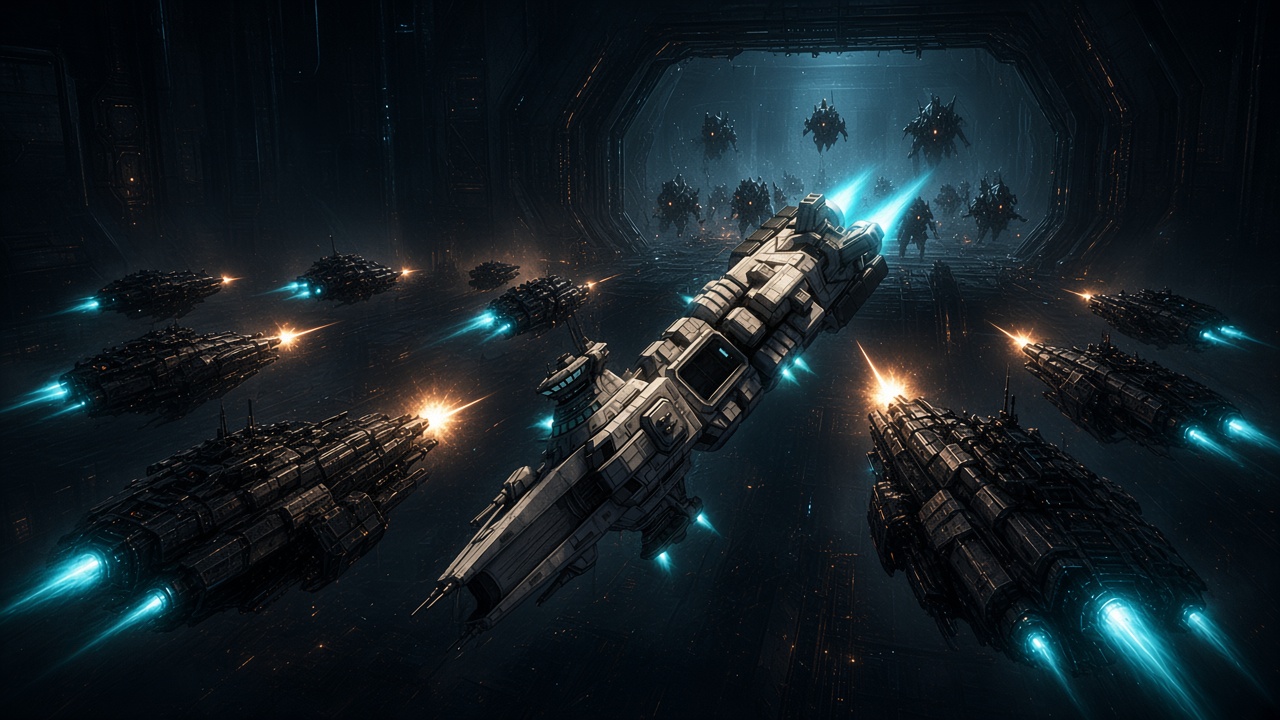
Search and Destroy engagement

Search and Destroy

Locate and destroy the named NPC fleet in the indicated system. Only appears as an agent contract — not as a free fleet plan.

Salvage

Find the hidden contract crate with scans. Difficulty varies; chance rises after each failed attempt.

Coming soon

Exploration

Type reserved in the system — not playable yet.

First steps

How to start now

  1. 1

    Build the fleet

    Fit miners or scanners for the goal and leave free cargo space.

  2. 2

    Launch a mission

    On the fleet, open Mission and start with Mining — the app tutorial guides the first queue.

  3. 3

    Accept a contract

    In the Contracts hub, talk to an agent, accept a matching deal, and deliver when ready.

Next guide

Continue in the guides

Industry, market, or fleet assembly and loadouts.