Berths
How many fleets can exist/dock at the station. Starts with 2 free at home; extras are bought with credits (progressive price).

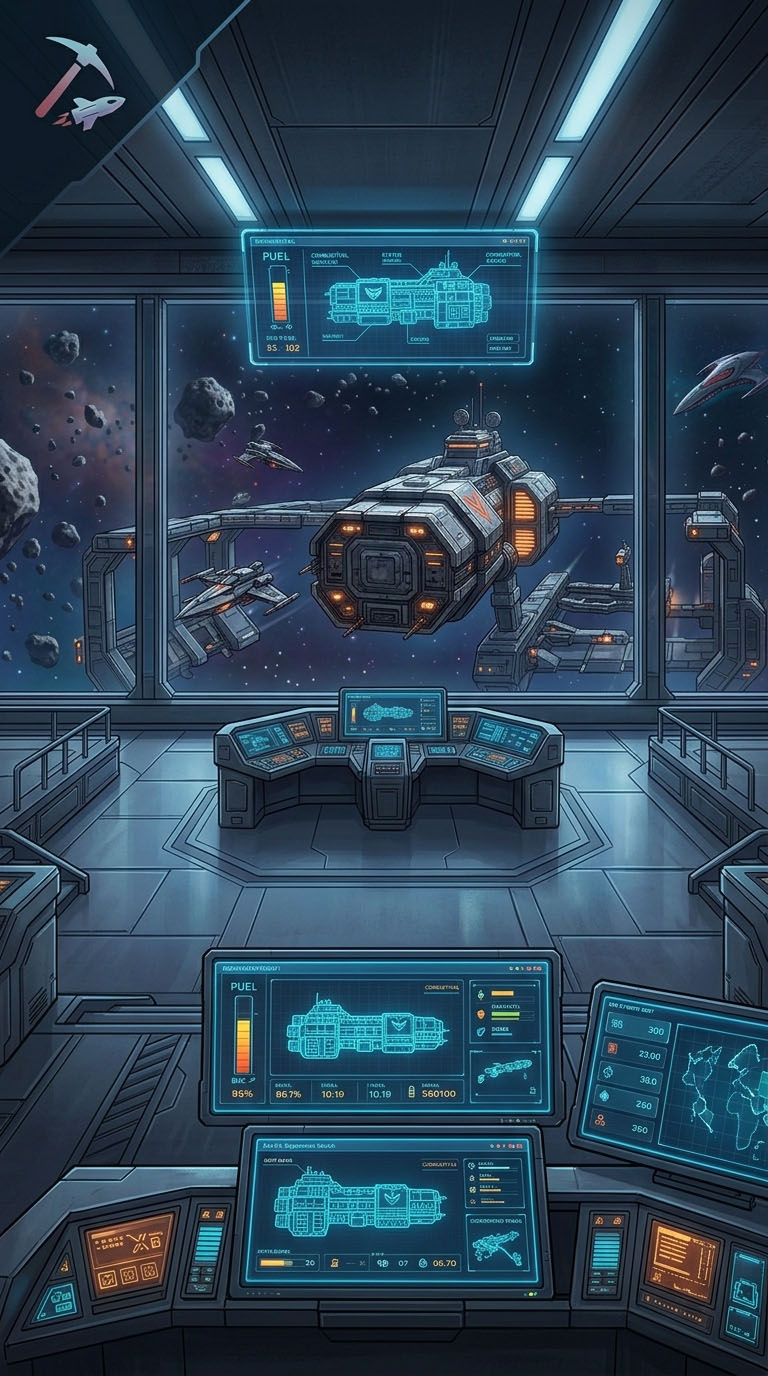
How to play · Guide 03
Assemble the fleet in the hangar, fit the loadout into L1/L2/L3 slots, and respect fleet cost and grid — then launch the mission.
Concept
Each fleet has a berth at the station, a purpose (mining, transport, escort, or attack), hulls in the hangar, and a loadout — the module doctrine applied to each ship type.
Step by step
Create fleet
Name, purpose, and a station with a free berth. Starts docked.
Compose
Pull ships from the anchor hangar. Only works while docked.
Loadout
Set doctrine per ship type. Modules come from the hangar.
Validate
Fleet cost, hull skills, slots, and grid must all check out.
Mission
Launch the plan or undock. Empty fleet or invalid fit blocks you.
Capacity
Do not confuse berth (where the fleet docks), active missions, and the “weight” of hulls in the fleet.
How many fleets can exist/dock at the station. Starts with 2 free at home; extras are bought with credits (progressive price).
Missions running at the same time. Skill Fleets: 1 + level (max 6 at L5).
Sum of each hull's cost × quantity. Skill Fleet size: 100 + 30 × level (100 → 250).
Example cost per hull: fighter ~10 · light miner / mule ~15 · corvette ~20 · frigate ~40 · destroyer ~60 · cruiser ~90 · battlecruiser ~150.
Hulls
Each family has subclasses and size (light / medium / heavy). Mining, Freighter, and combat skills unlock the hulls.
Mining
Incisor (light), medium, and heavy. Extract ore; cannot fit weapons. Ore crystals go in the L1 slot. Heavies are banned in high-sec (sec > 0.5).
Skill: Miners I / III / V
Cargo
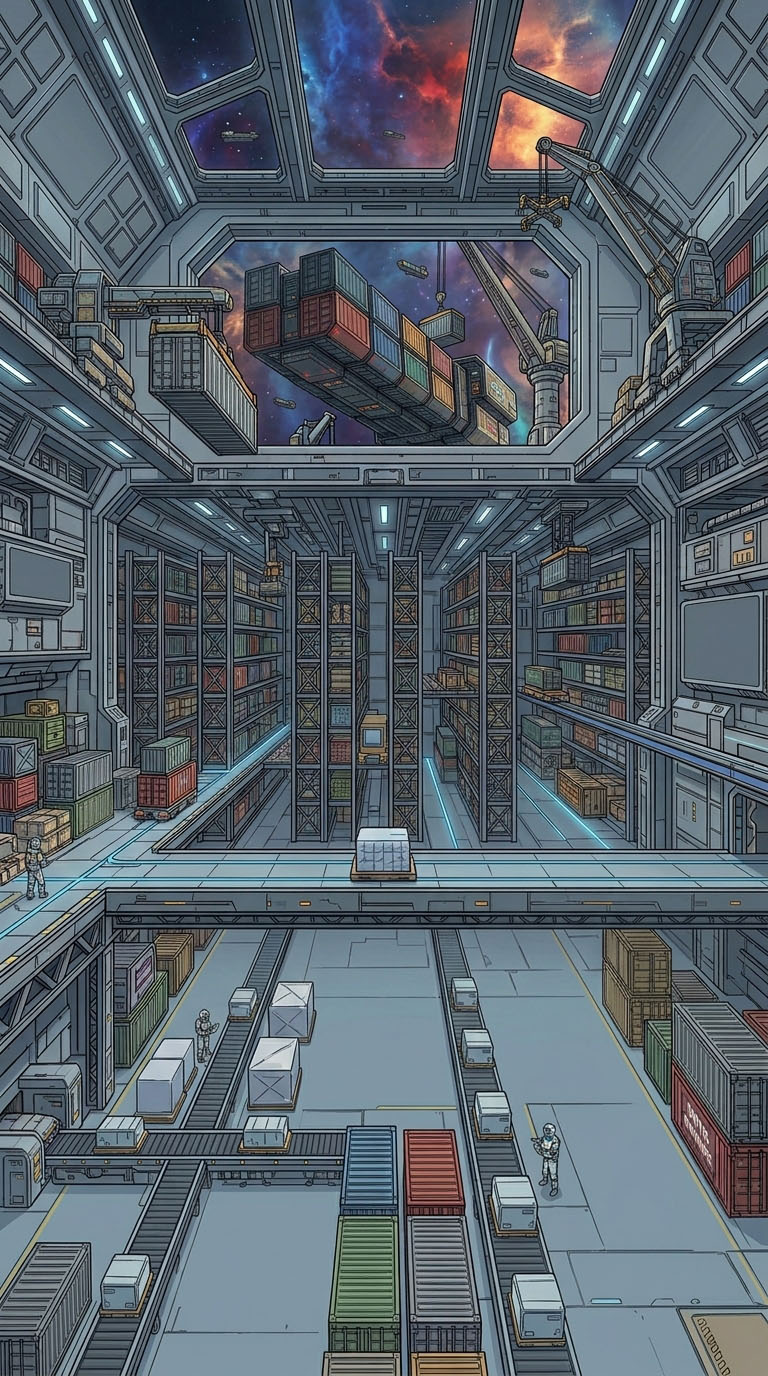
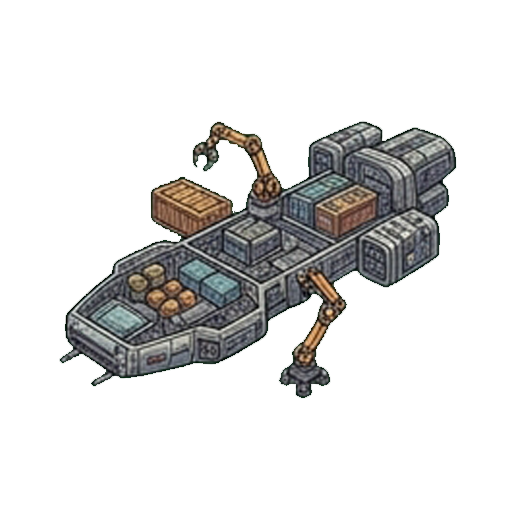
Mule and medium/heavy freighters. Lots of hold space for transport contracts and logistics between stations.
Skill: Freighters I / III / V
Escort
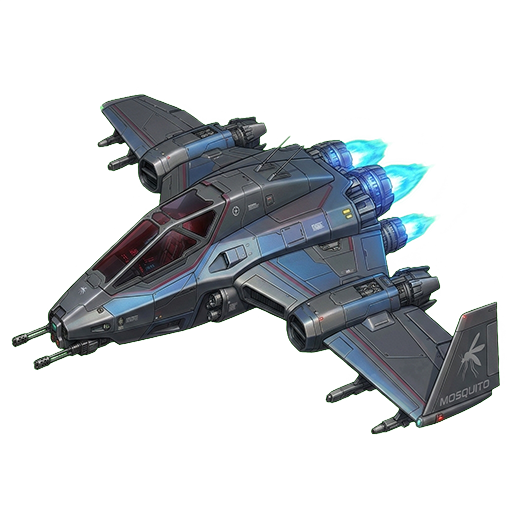
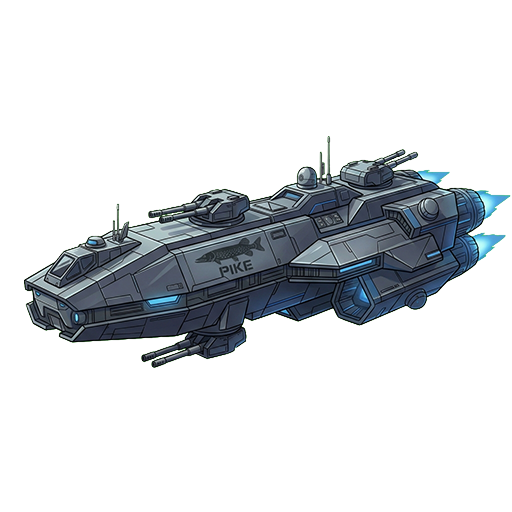
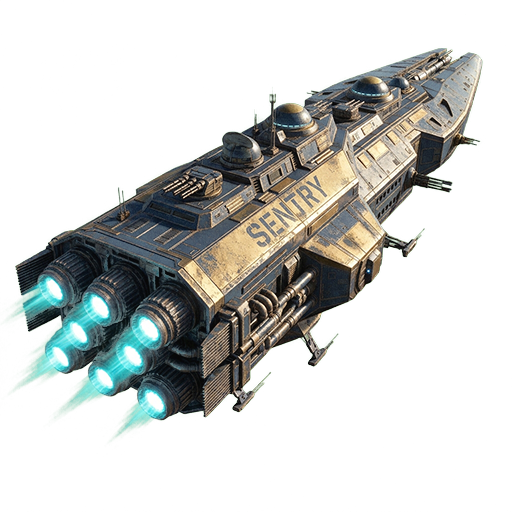
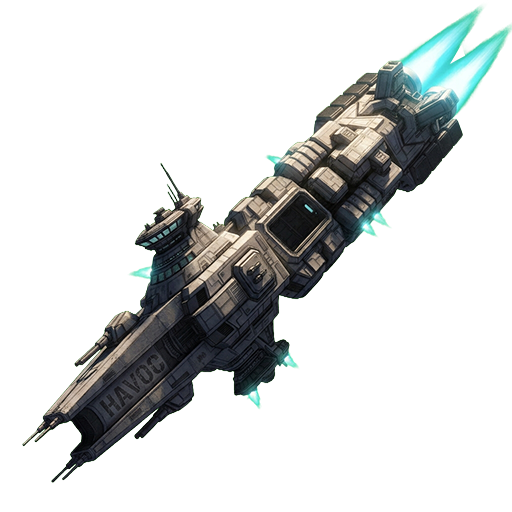
Fighter → Corvette → Frigate → Destroyer → Cruiser → Battlecruiser. Generic line (Mosquito, Pike, Sentry, Havoc…) and specialists with target priorities.
Chained hull skills (e.g. Fighters I)
Loadout
There are no separate high/mid/low or CPU. The hard limit is the hull's grid (plus module bonuses). Module size (P / M / G) must match the hull (light / medium / heavy).
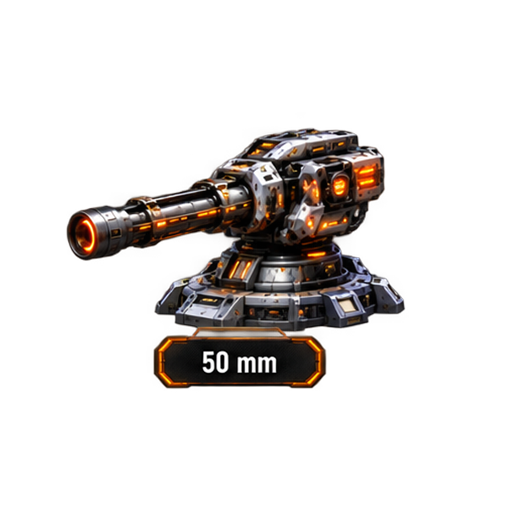
L1 · Weapons
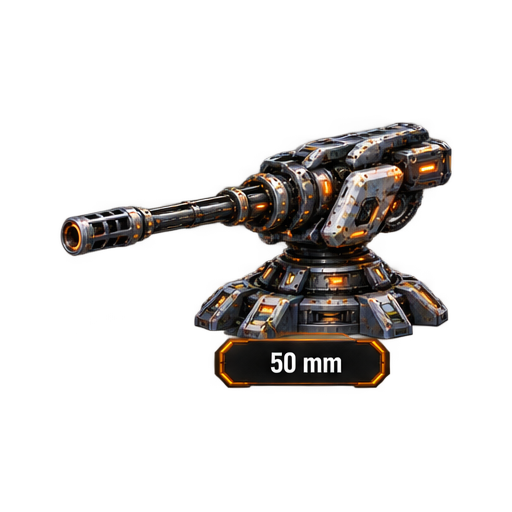
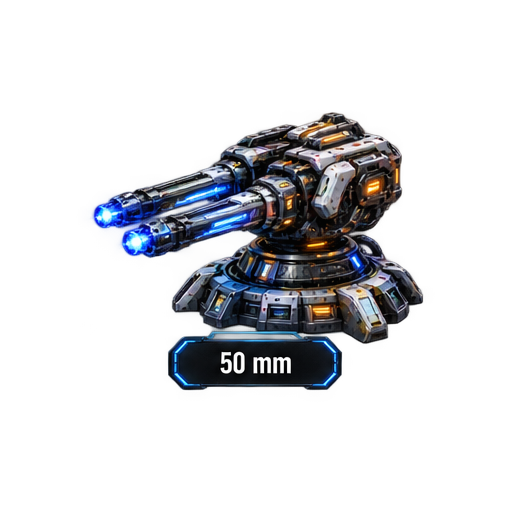
Kinetic, energy, or explosive cannons. On miners: only mining crystals.
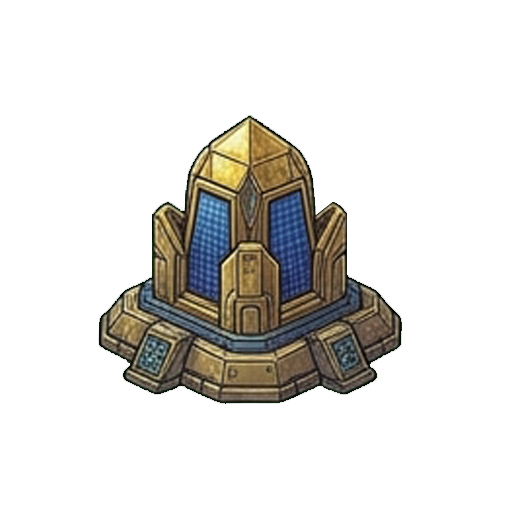
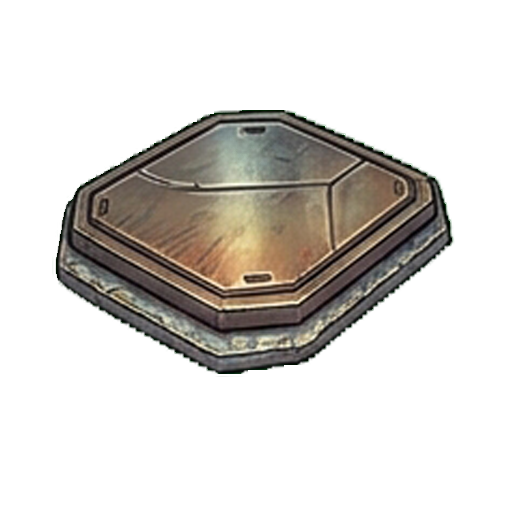
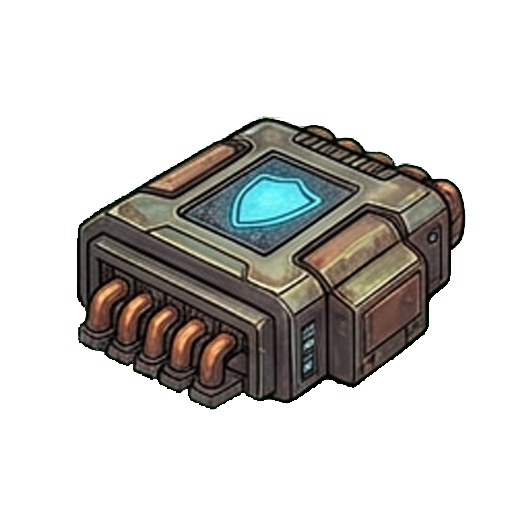
L2 · Defense
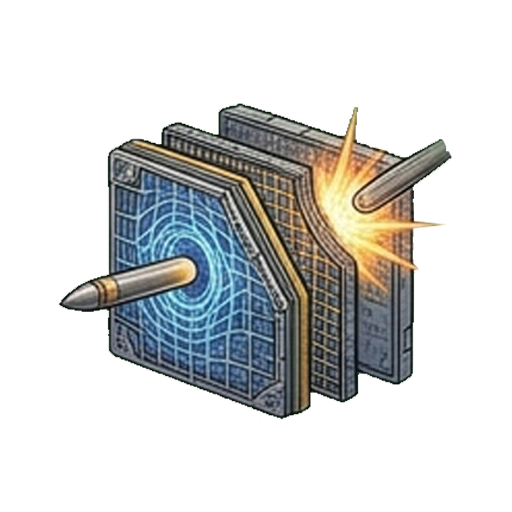
Plates, shield/armor extenders, resistance amplifiers.
L3 · Utility
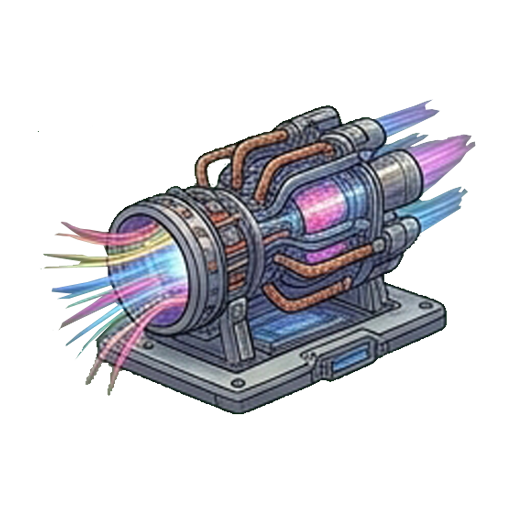
Afterburner, cargo expander, grid, target computer, warp stab/destab, scanners.
All ships of the same type in the fleet use the same fit. Hangar module quantity must cover qty per ship × number of ships.
Sum of module grid ≤ hull base grid + bonuses (plates, grid capacitors, etc.). Over = invalid loadout.
Mining
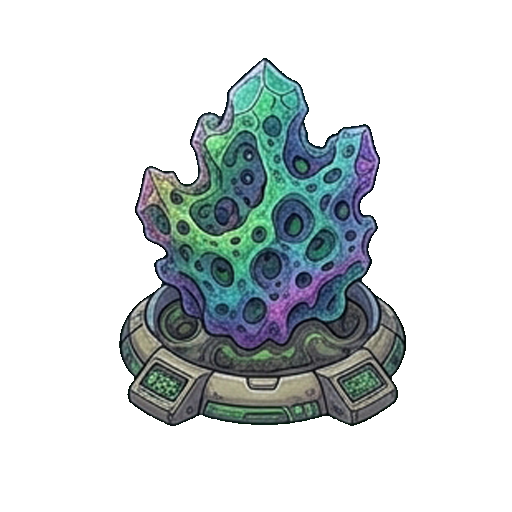
Each crystal is tied to an ore (Basaltine, Pyroxite, Ombric…). Fitted in a miner's L1, it gives +5% yield for that ore (stacks by fitted quantity). Requires the ore skill at least I.
Transit
Time ≈ jumps × 60 s × slowest ship multiplier × Navigation skill (−5% per level). Afterburners speed travel; cargo expanders can increase time. “Warp” in combat is a different mechanic — not the mission plan hop.
Plans
Premium / Founder does not increase berths or fleet cost. What changes for operations: up to 9 mission steps (free cap 6), +15% mining, more craft/lab slots, and agent contracts with no daily ceiling.
Continue
Fit and launch
With the fleet ready, return to missions or craft the next module.